Brand
SovereignWeb.site CRM: the mark, the colours, the type
The mark is a kept card: a contact card with its corner turned down, as you fold one you mean to come back to, and a keyhole, because it lives in a vault only you hold the key to.
The mark: three directions, Dinis picks one
Each shown at 160, 32 and 16 px. All the pages here use the first; the other two drop in, as each is the same green rounded square.

1. The kept card (in use)
A contact card with its corner turned down, as you fold one you mean to come back to, and a keyhole: it lives in a vault only you hold the key to. Reads at 16 px as a card with a lock.

2. The follow-up
A loop arrow closing on a dot: the next step, done on time. Suits The Day; says less about the vault.

3. The ring
A keyring with three tags: several vaults per person (personal, RiskMandate, summit) and the QR hand-over. The weakest at 16 px.
My pick is 1: it is the only one that says both halves, contacts and your own vault, and it stays legible as a favicon.





Using it
- Clear space round the mark: a quarter of its width. Smallest: 16 px for the mark, 120 px wide for a wordmark.
- Never: recolour the keyhole, stretch or rotate the mark, set it on the demo band's yellow, or add a shadow or gradient.
- Always the full name, "SovereignWeb.site CRM"; the mark alone is the short form. Never shortened to anything that reads as another company's product.
- The SVGs hold only the drawing: no script, no link, no embedded font.
Colours
Each status colour always comes with a word and a shape, so nothing is said by colour alone. All text pairs pass WCAG AA on Paper, light and dark.
- Vault green
--vaultlight #1f5446 · dark #7cc4abThe brand, links, the main button, the open vault. - Paper
--paperlight #fbfaf7 · dark #121513The page. - Ink
--inklight #1b1c1a · dark #e9ece6Text. - Signal
--signallight #a63a17 · dark #f39a78Overdue, with a triangle. - Brass
--brasslight #7d5300 · dark #e7b84aA draft waiting, with a folded page. - Sky
--skylight #24537a · dark #93c1eaThey replied: waiting on us, with a dot. - Slate
--slatelight #4f5856 · dark #b9c2bfNo reply yet: waiting on them, with a ring. - Band
--bandlight #f3d36b · dark #e7b84aThe demo band only, with black hazard stripes.
Type
System fonts only, so nothing is fetched from anyone else (CSP 'self').
- Headings, the wordmark
- ui-serif, Charter, Iowan Old Style, Palatino, Georgia
- Everything else
- system-ui, -apple-system, Segoe UI, Roboto
- Keys, codes
ui-monospace, SF Mono, Menlo, Consolas- Numbers and dates
- tabular figures, so columns line up
Share card
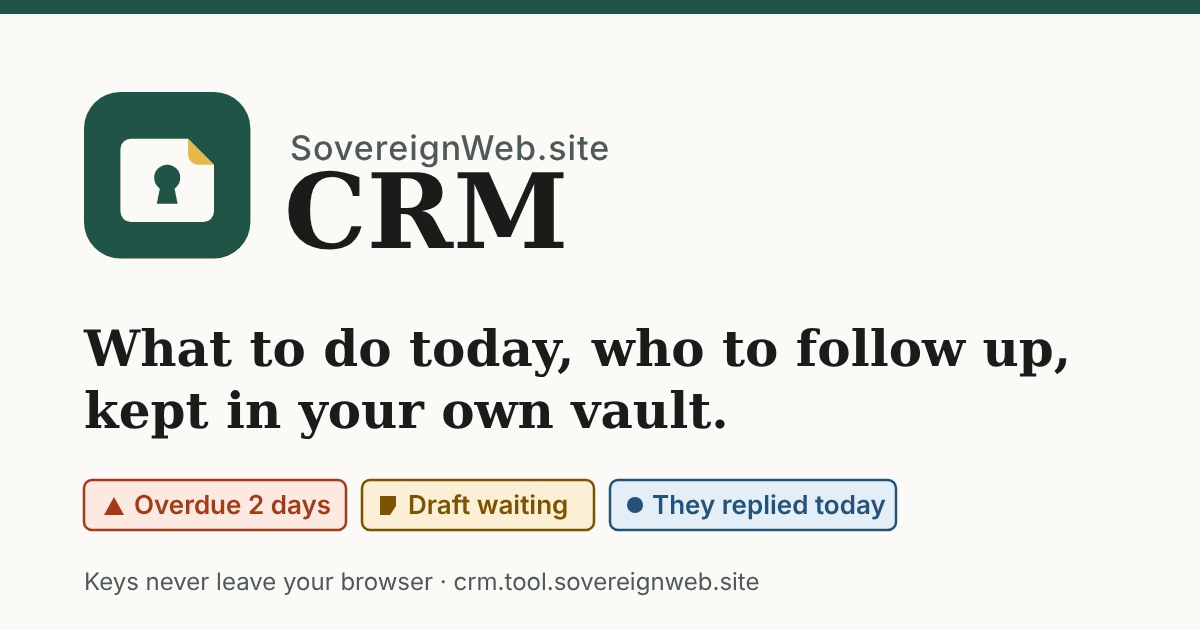
1200 by 630, JPEG, from share-card.svg.
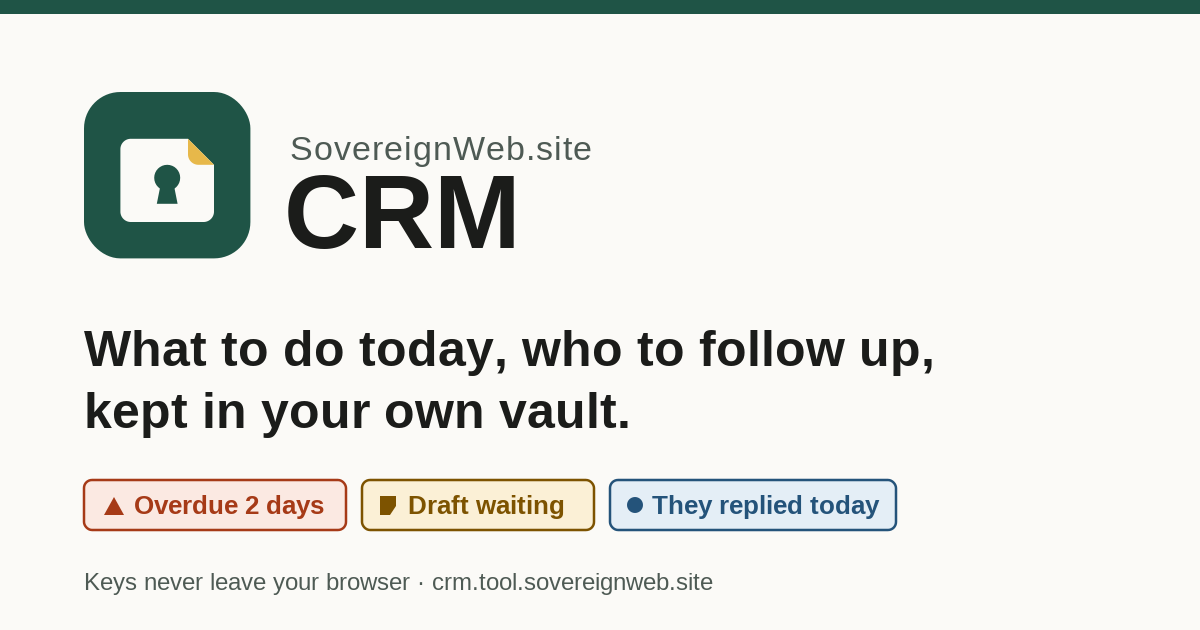
For crm.dev.a
The tokens are in brand.css (light and dark; also as --sws-accent, --sws-ink and --sws-paper for the components' token contract), with the demo band, the vault switcher and the status tags. Copy the mark you pick, the wordmarks, both favicons and the card into the app's own assets, and this page to the tool's /brand/: nothing here is meant to be linked from another site.